The largest Liquidity Pools for USDL exist on PulseX v2 and Phux.io.
This guide will use PulseX v2 since liquidity-bonding USDL to PLS is the healthiest for the Liquid Loans protocol.
Before starting, familiarize yourself with the risk of Impermanent Loss which is inherent to liquidity providing.
- Visit https://app.pulsex.com/.
- Click the link titled “PulseX.mypinata.cloud”.
- Connect your wallet.
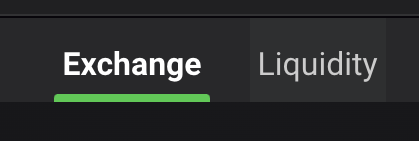
- Toggle from “Exchange” to “Liquidity”.
- Toggle from “All” to “V2”.
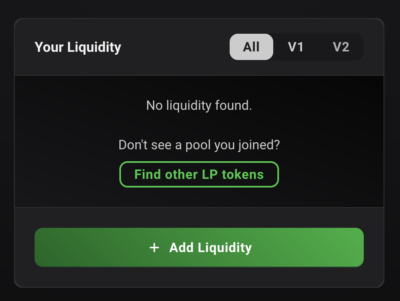
- Click “Add Liquidity”.
- Toggle to “V2” again if necessary.
- PLS will automatically populate as the top token. Choose USDL for the bottom token.
- Choose the amount of each token you want to deposit as liquidity. These values will need to be equivalent.
- Enable spending for USDL.
- Click “Supply” and execute the transaction in your wallet.
Connor
Connor is a US-based digital marketer and writer. He has a diverse military and academic background, but developed a passion over the years for blockchain and DeFi because of their potential to provide censorship resistance and financial freedom. Connor is dedicated to educating and inspiring others in the space, and is an active member and investor in the Ethereum, Hex, and PulseChain communities.